Hunting for missing textures at 11 PM before a deadline.
Scrolling through 40 cameras to find the right view.
These tasks don’t make your images better – they just eat your time.
Studio3D plugins automate a huge percentage of your repetitive workflow so you can spend 100% of your focus on the creative work clients actually pay for.
84,00 €Original price was: 84,00 €.49,00 €Current price is: 49,00 €.Add to cart
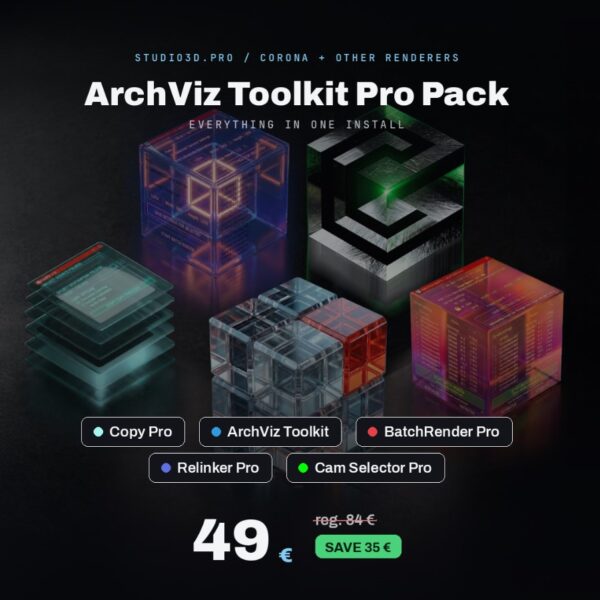
Everything you need to speed up your ArchViz workflow in 3ds Max, in one pack. Five tools that remove the repetitive parts of the job so you can focus on the render, not the setup.
Includes:
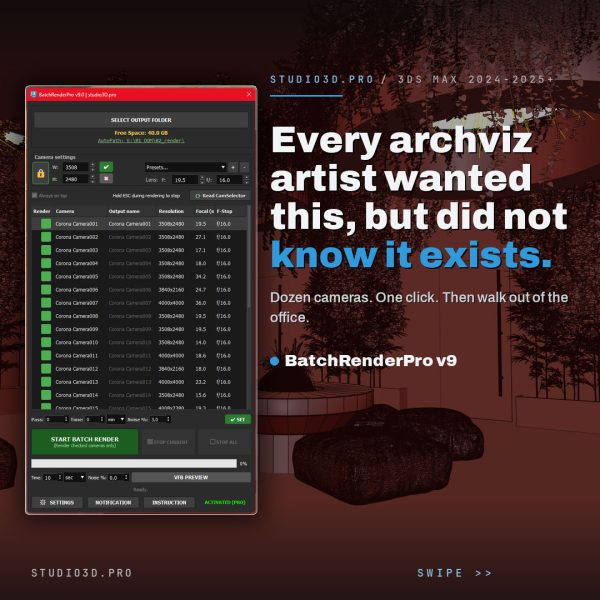
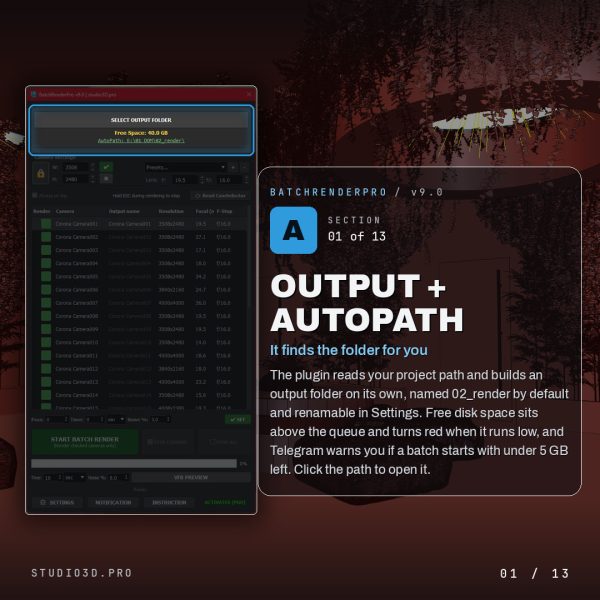
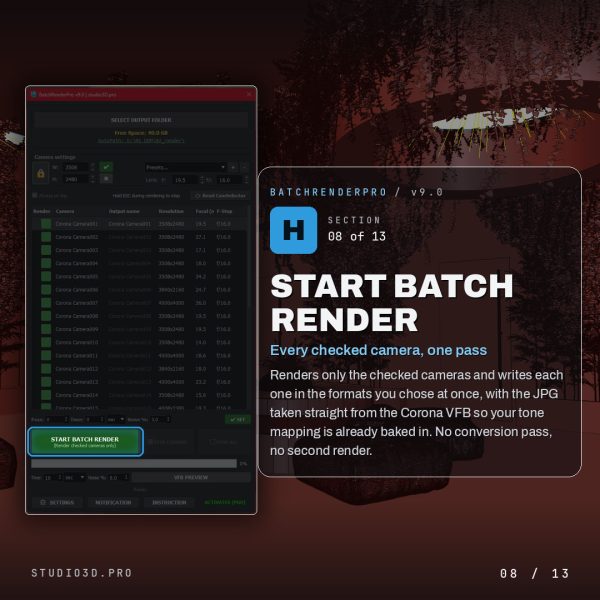
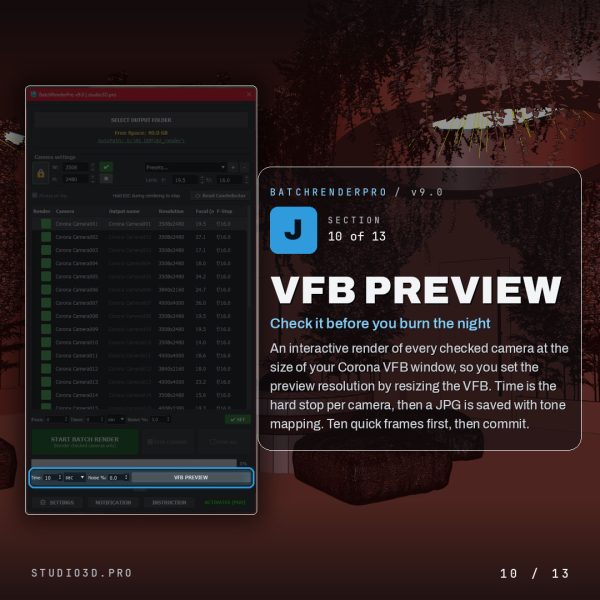
Batch Render Pro – queue and render dozens of cameras with a single click. Built-in preview generator and independent Safe Frame control.
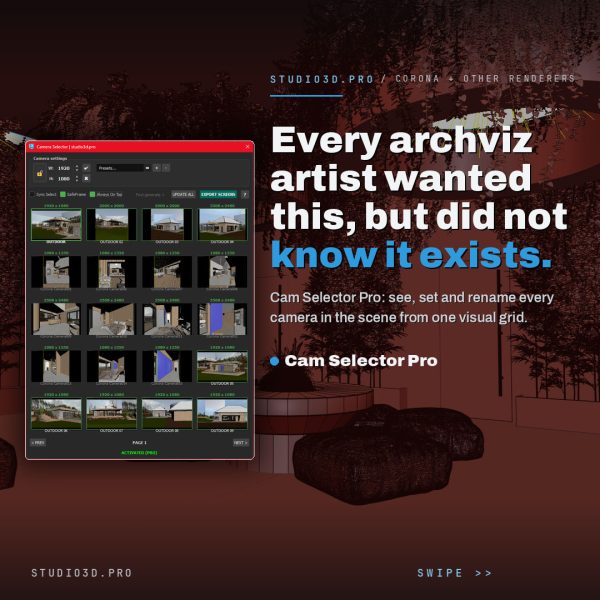
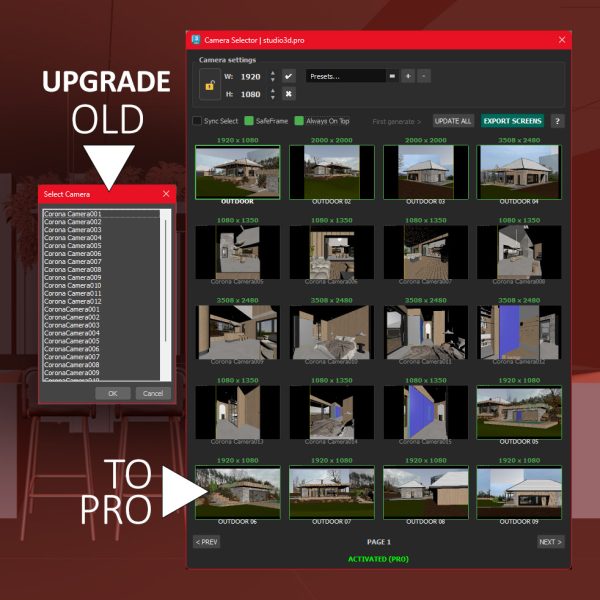
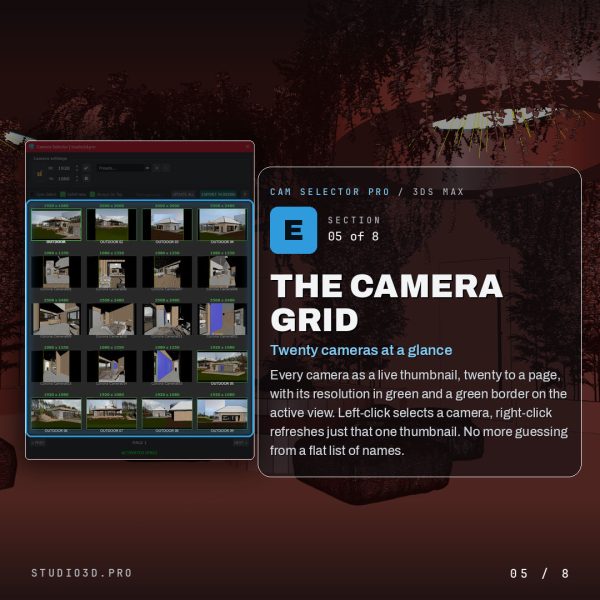
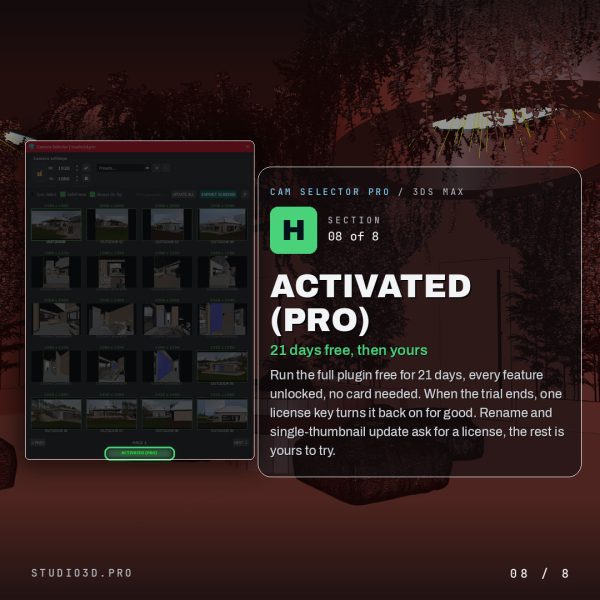
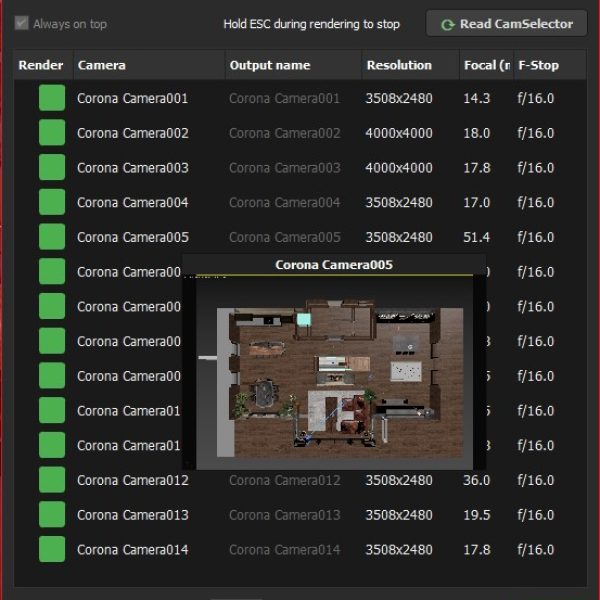
Cam Selector Pro – see every camera in your scene as a visual thumbnail grid, find the right view in seconds, and manage output resolution and aspect ratio in one place.
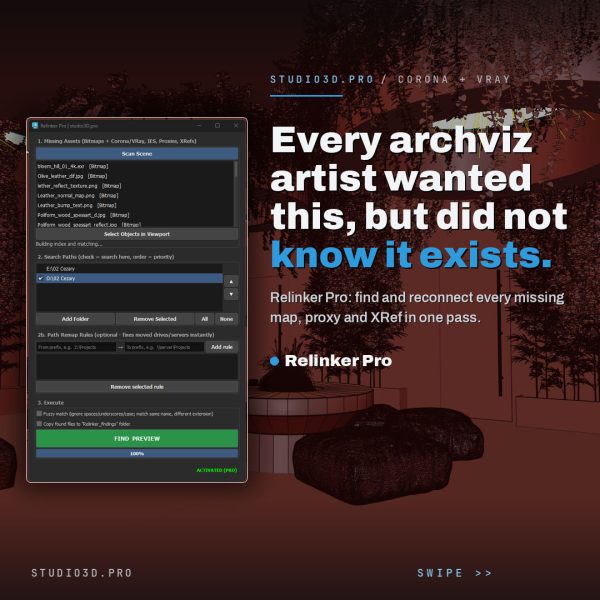
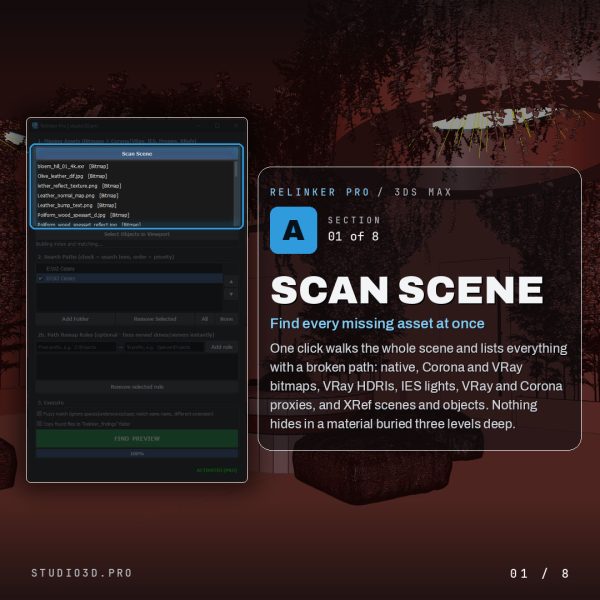
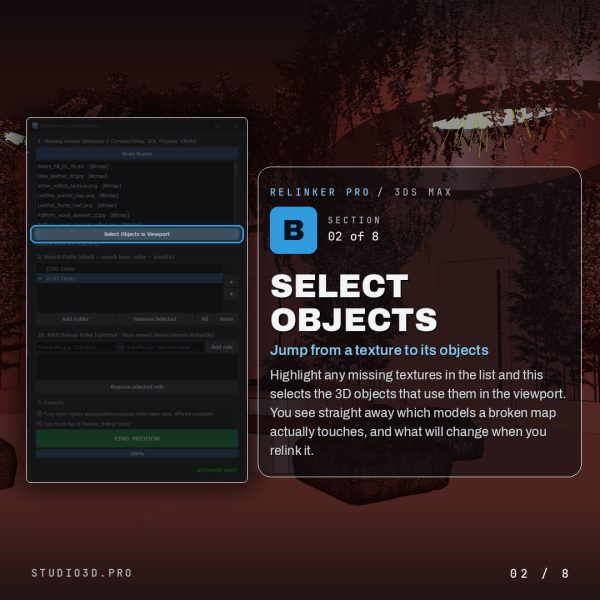
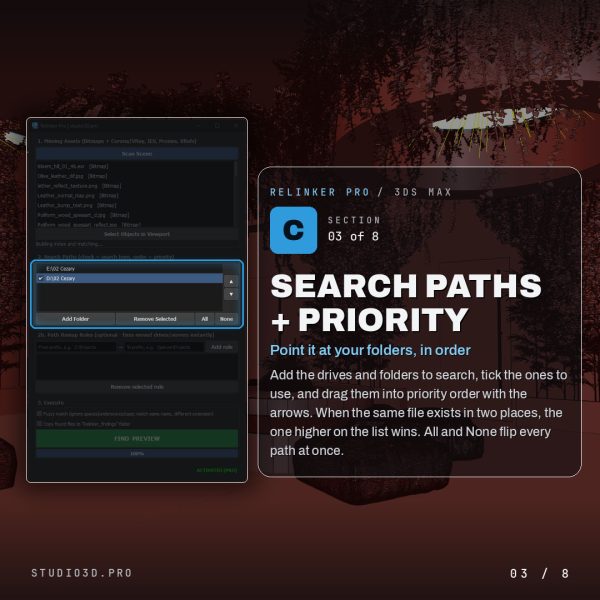
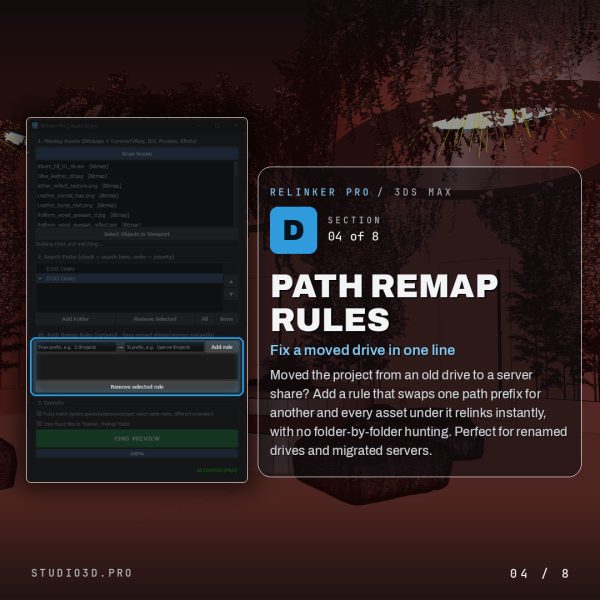
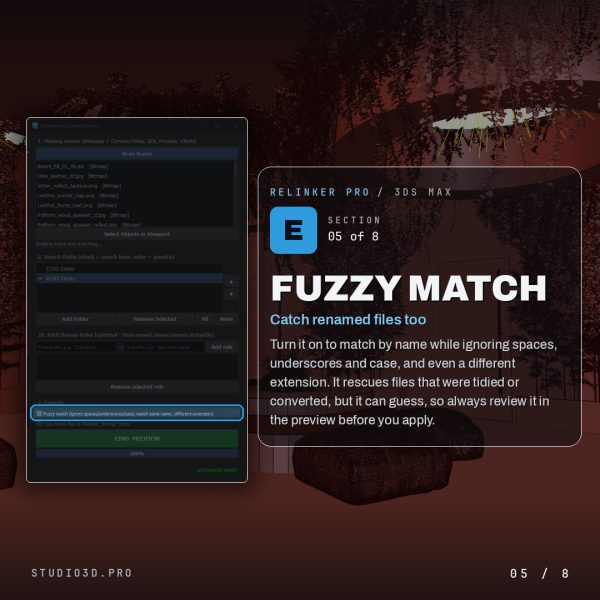
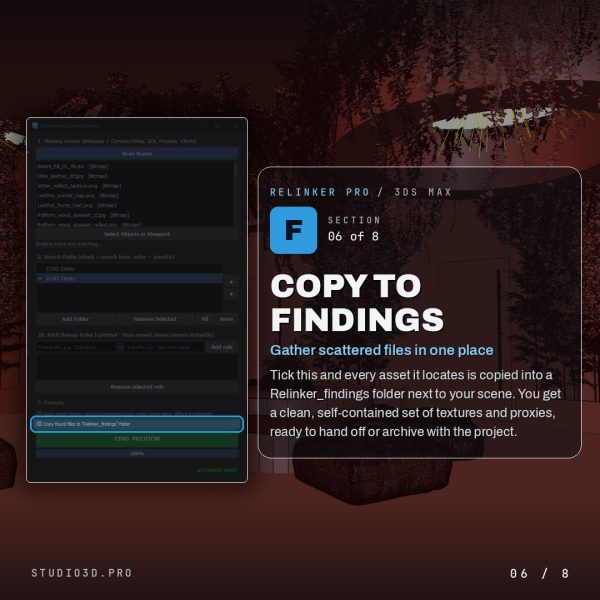
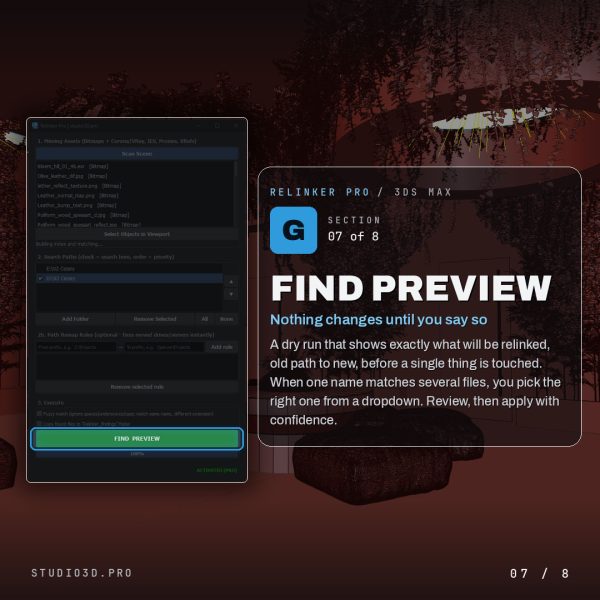
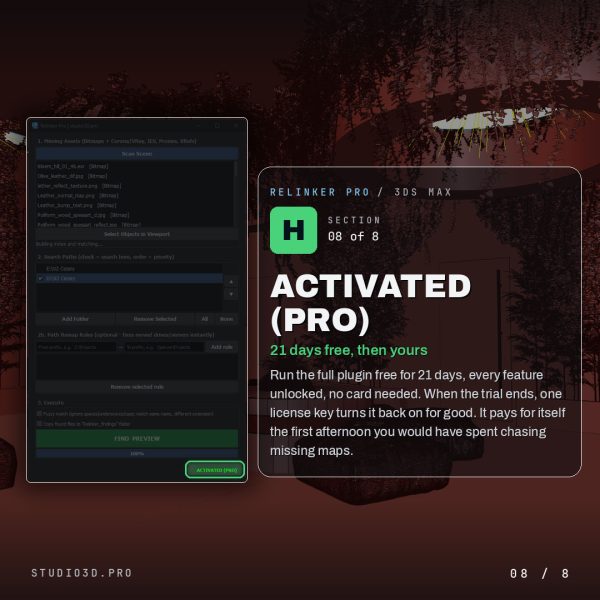
Relinker Pro – find and reconnect missing textures, proxies, IES files and XRefs across your drives in seconds, with a fast deep-search engine that handles large libraries.
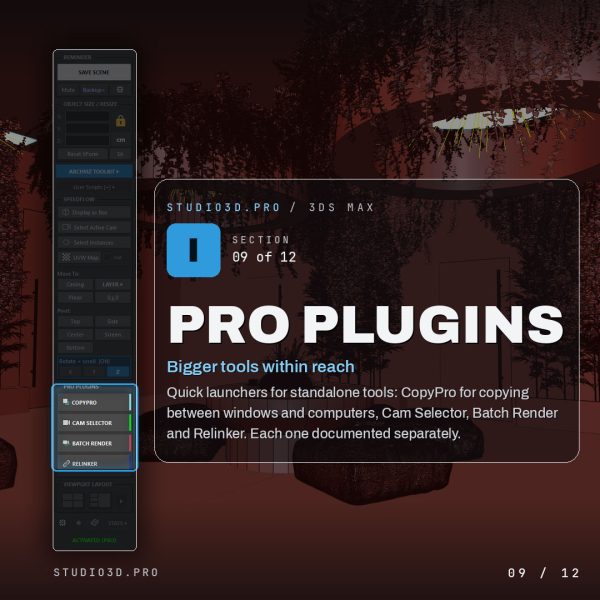
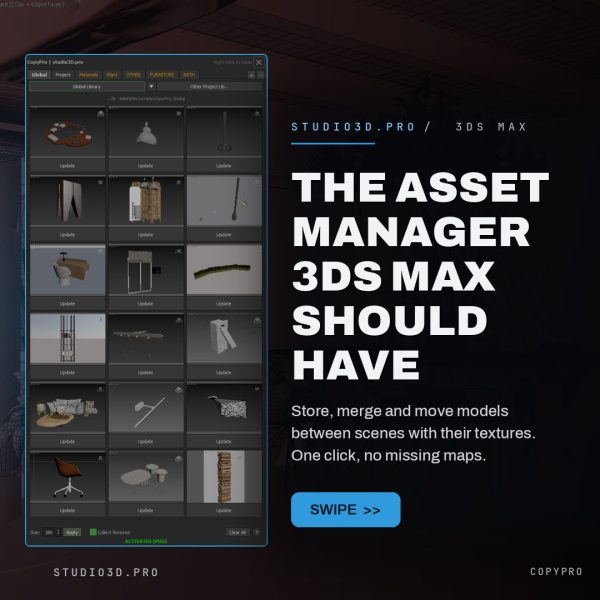
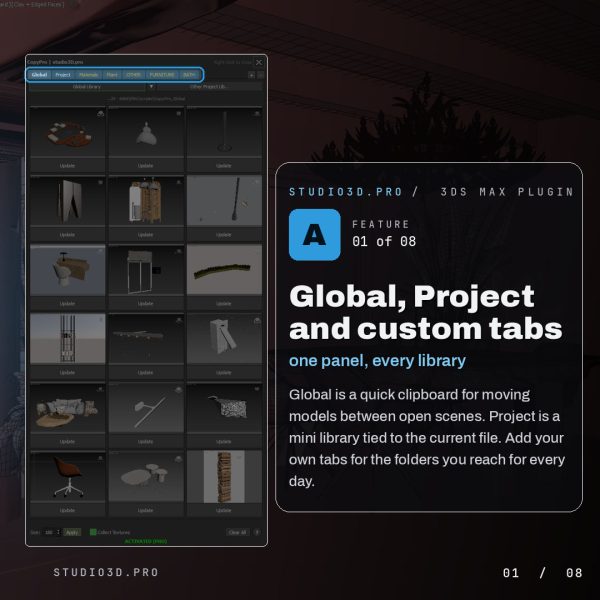
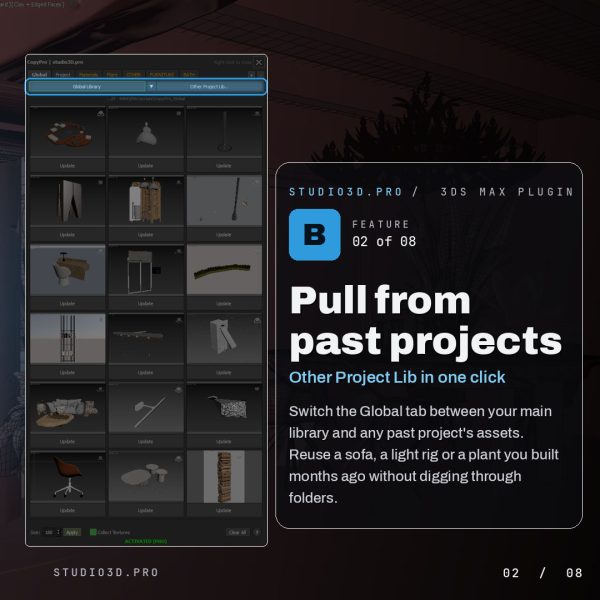
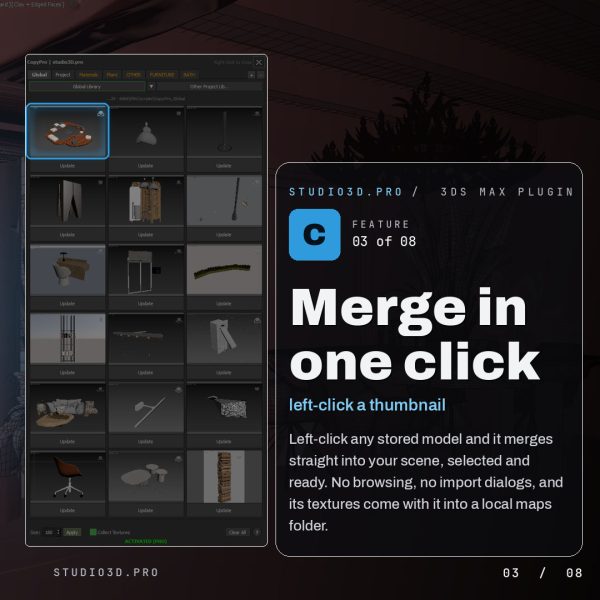
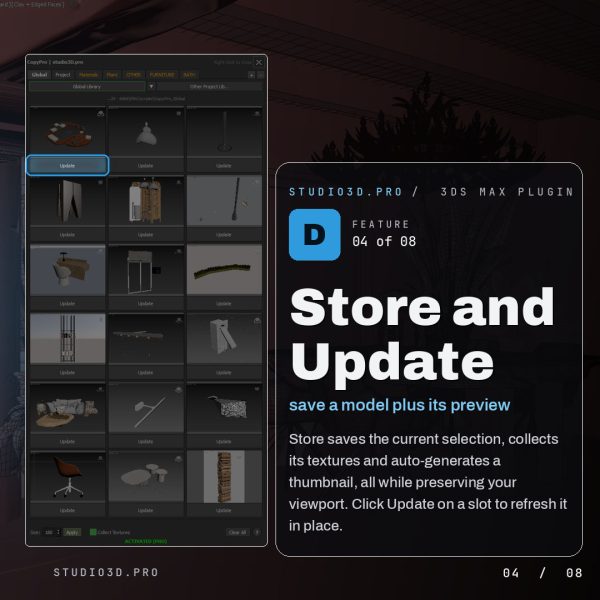
Copy Pro – copy models and materials between scenes using an fast 18-slot smart clipboard with project-based management.
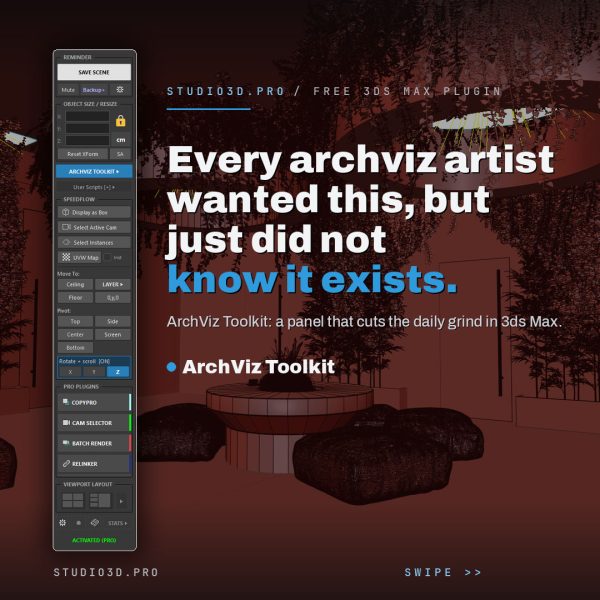
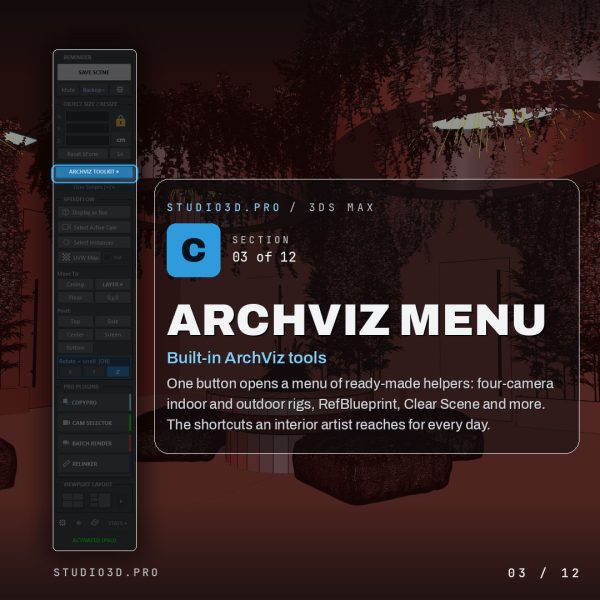
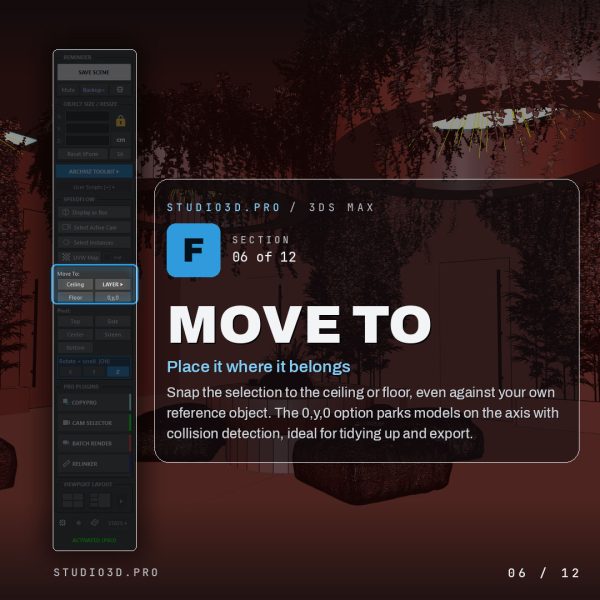
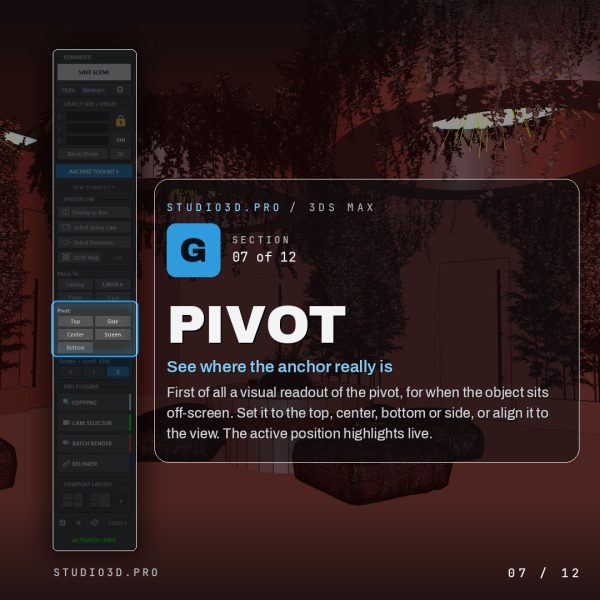
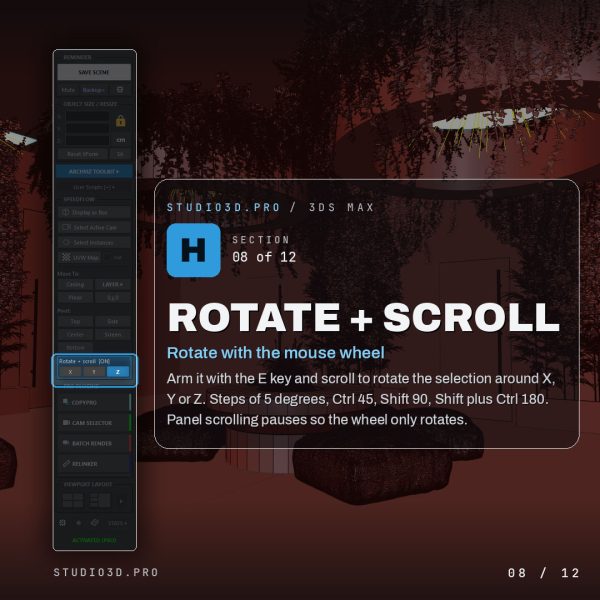
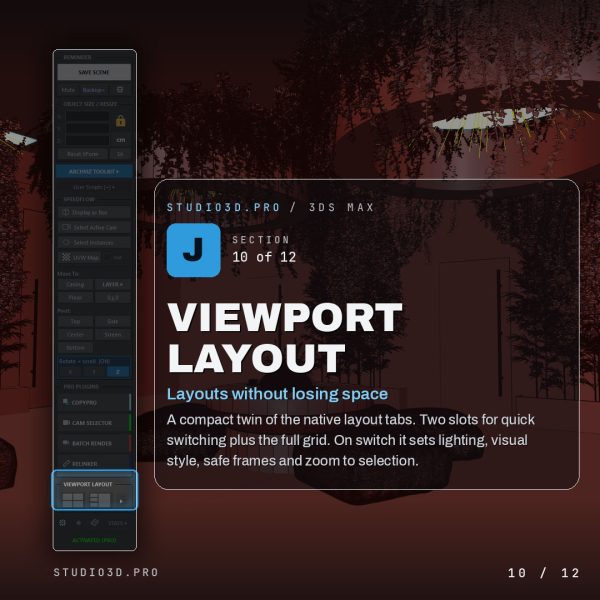
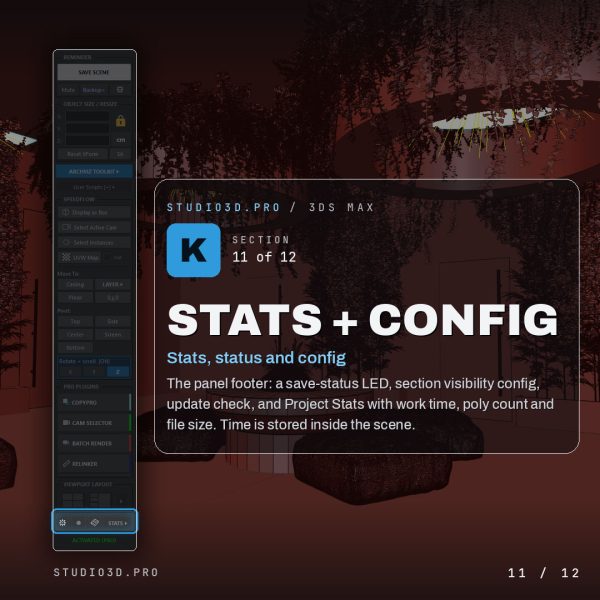
ArchViz Toolkit – A free 3ds Max panel that accelerates your workflow, protects your scene, and adds a revolutionary lightweight layer manager and much more. Made by a 3D artist for 3D artists.
ArchViz Toolkit free plugin
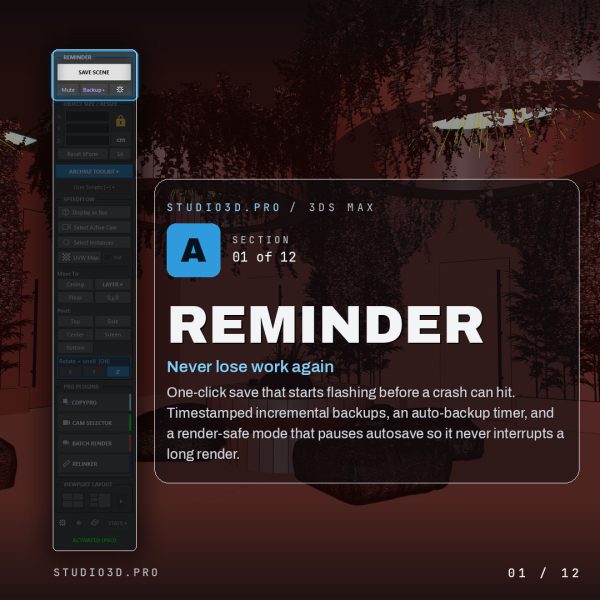
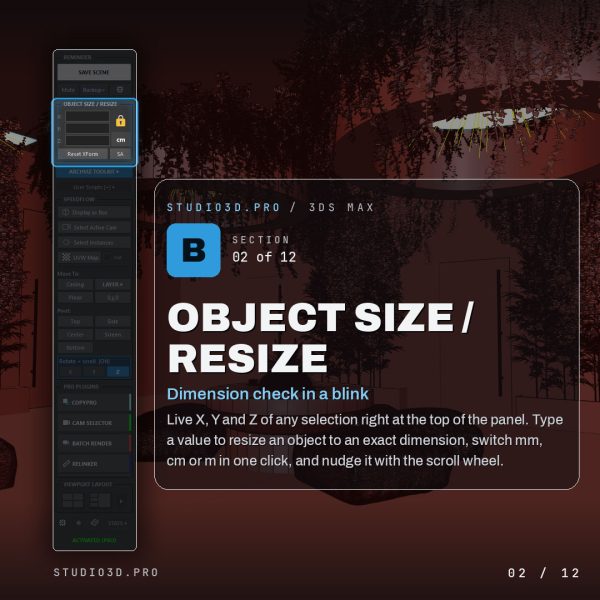
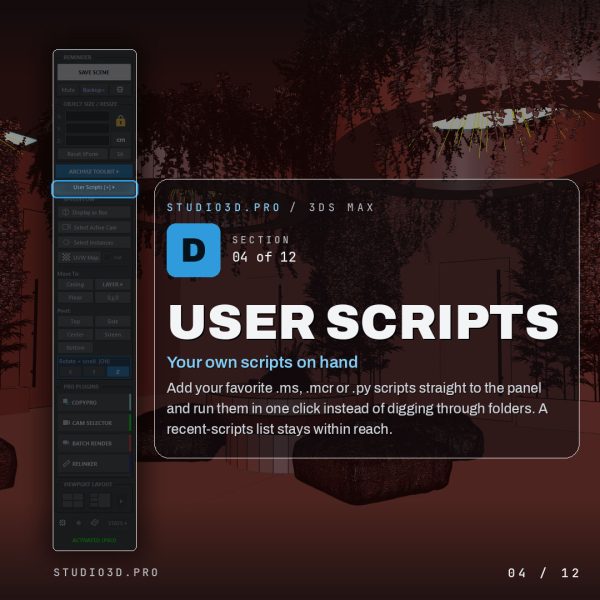
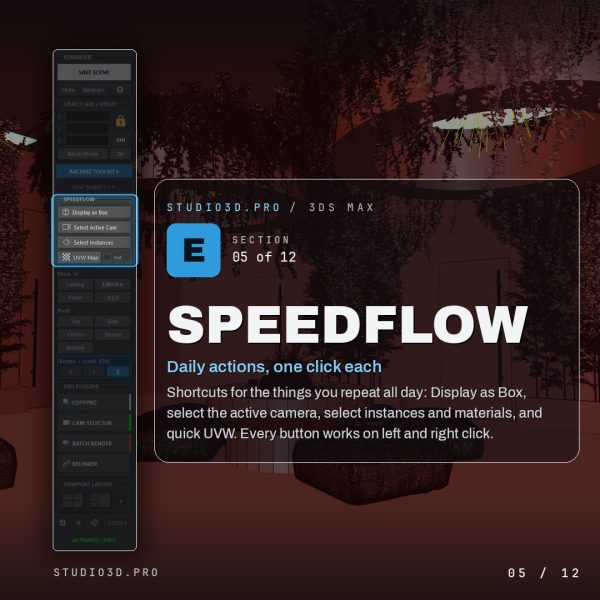
ArchViz Toolkit is a free 3ds Max plugin that speeds up your daily archviz workflow and keeps your scene safe. This dockable panel brings one-click saving and backups, instant resizing, a lightweight layer manager, camera and pivot tools, your own scripts and live project stats into one place. Built by a 3D artist for 3D artists, and free with a lifetime activation code. If you are hunting for 3ds Max free plugins for architectural visualization, start with this one.
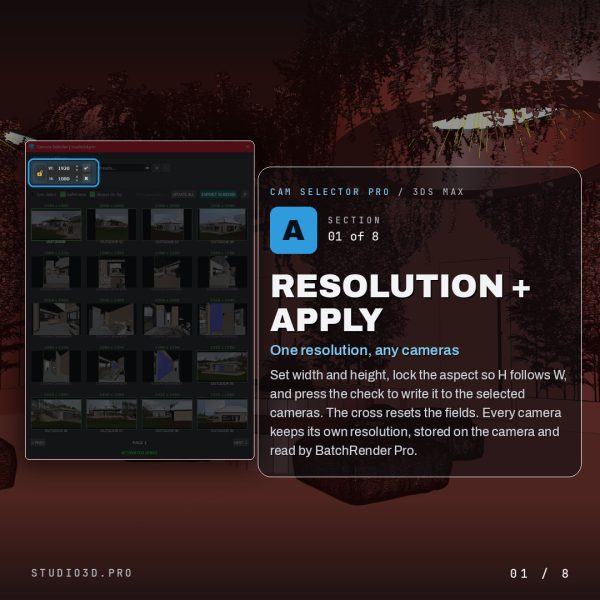
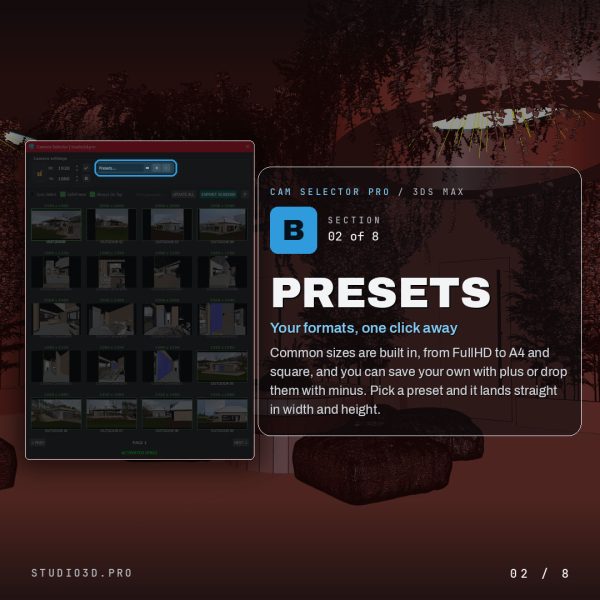
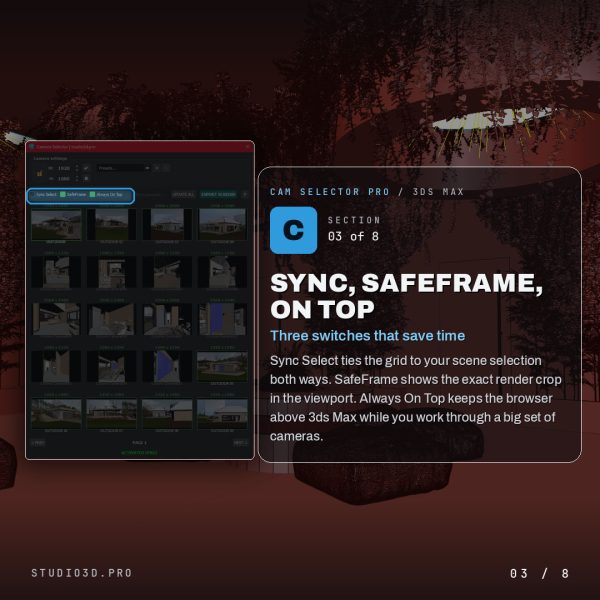
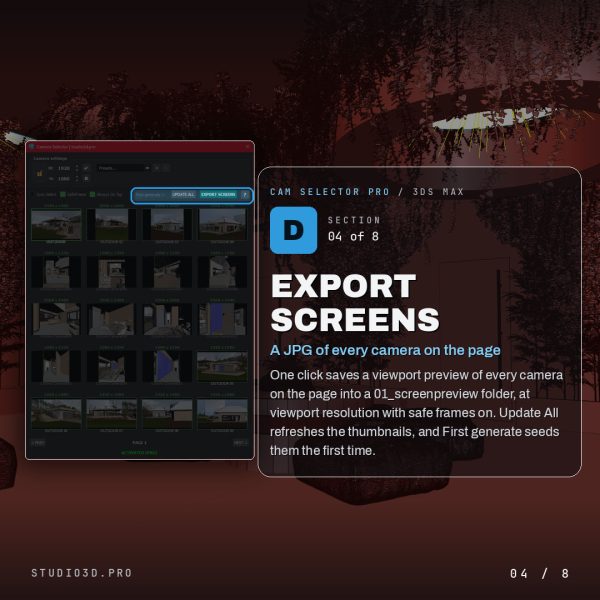
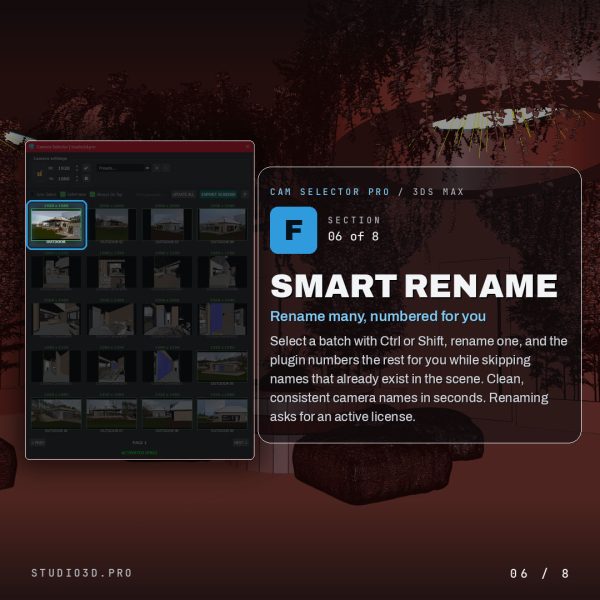
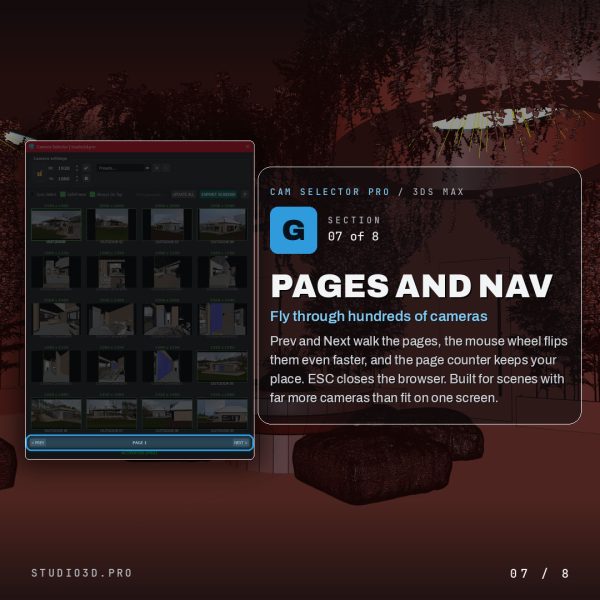
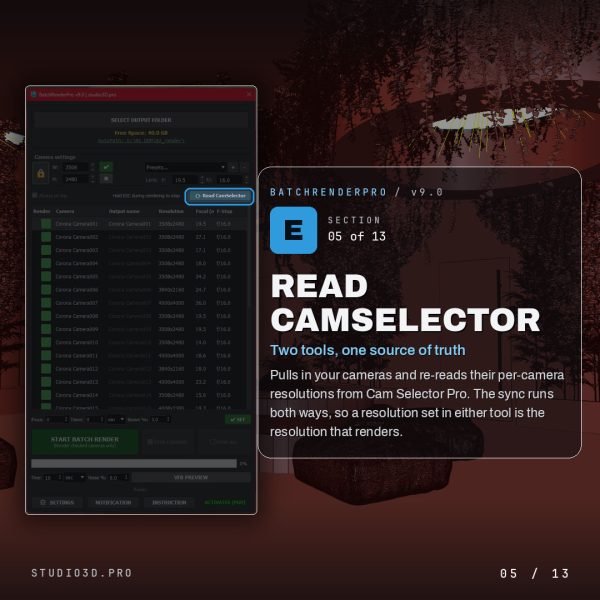
Cam Selector Pro is a 3ds Max camera manager plugin that turns a long list of cameras into a visual grid of live thumbnails. See every camera at a glance, set per-camera resolution, batch rename with smart auto-numbering, export a JPG of every camera on the page, and fly through hundreds of cameras with the scroll wheel. Built for Corona and other renderers.
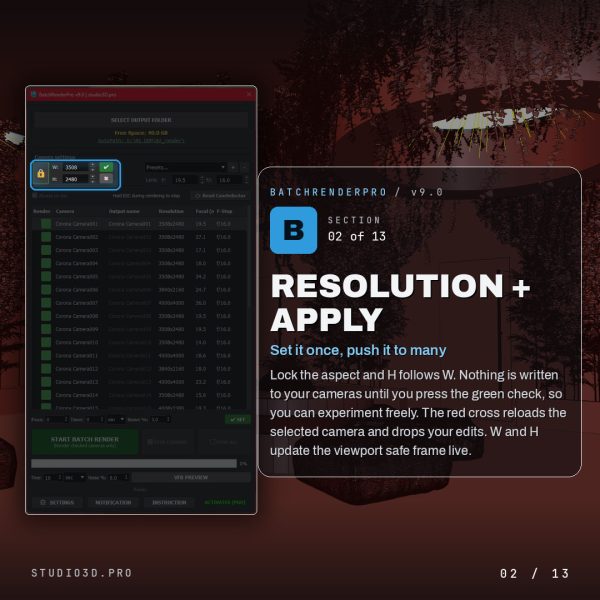
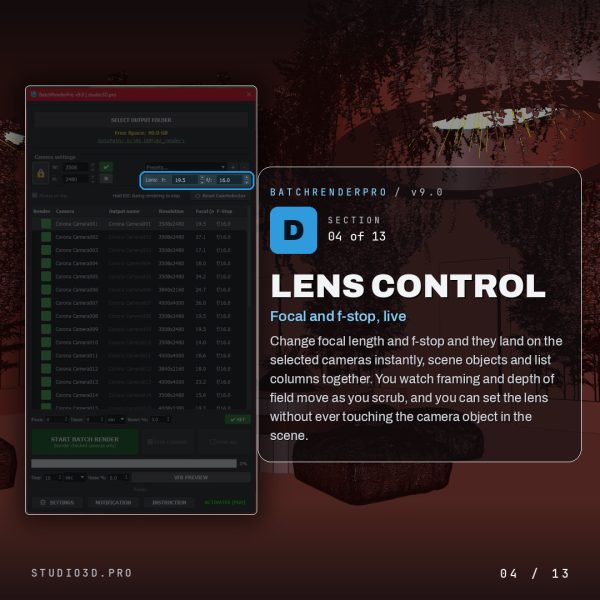
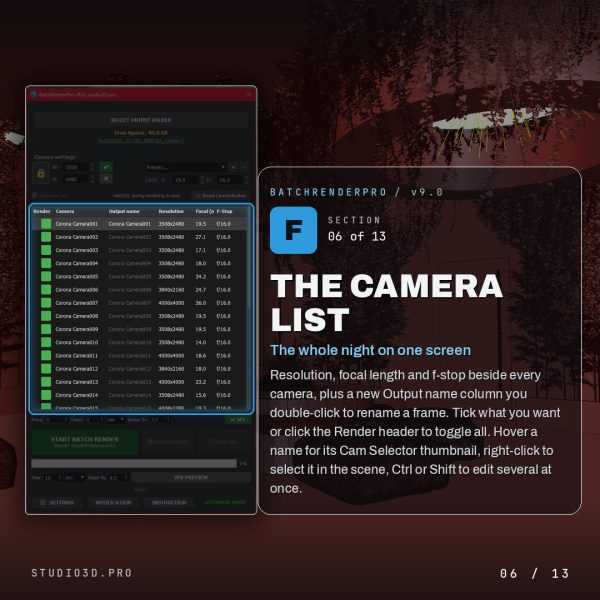
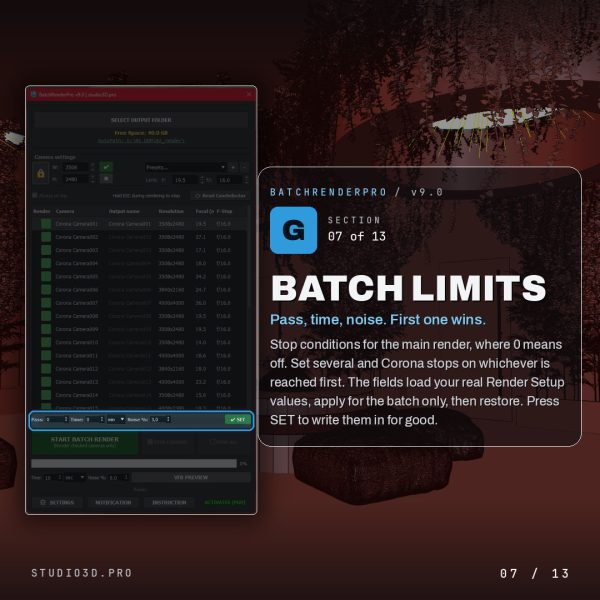
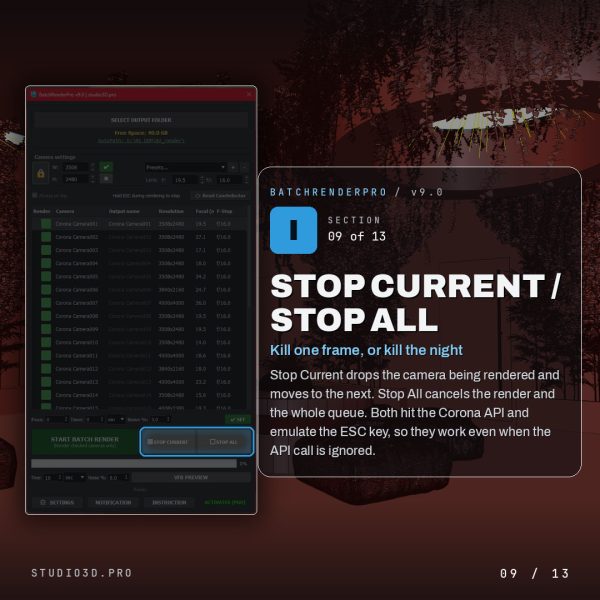
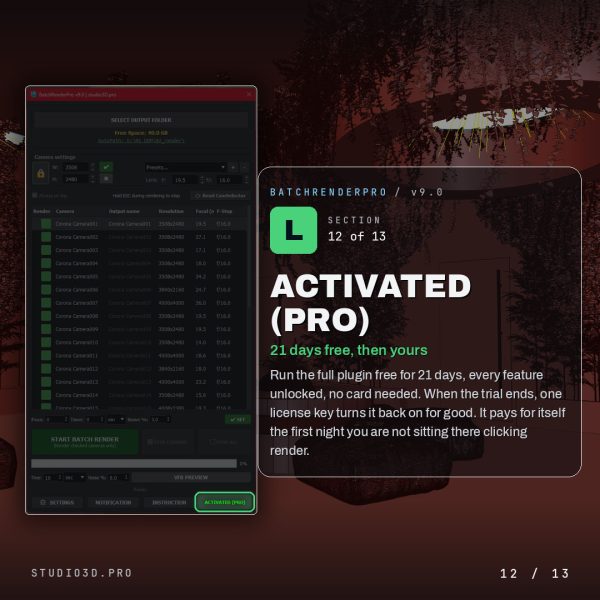
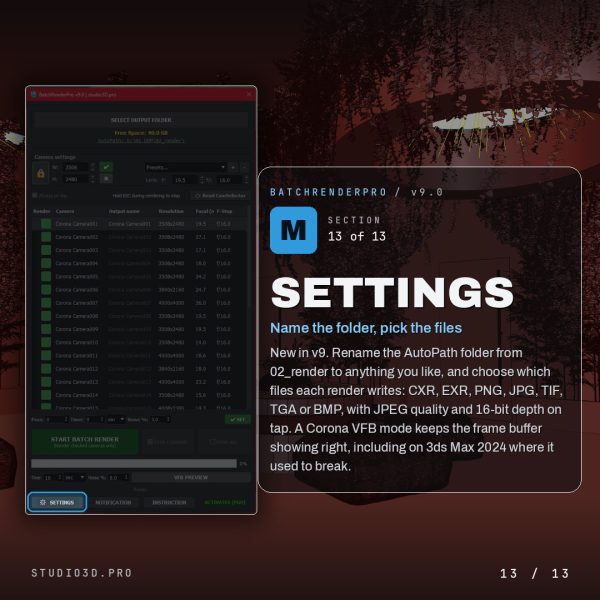
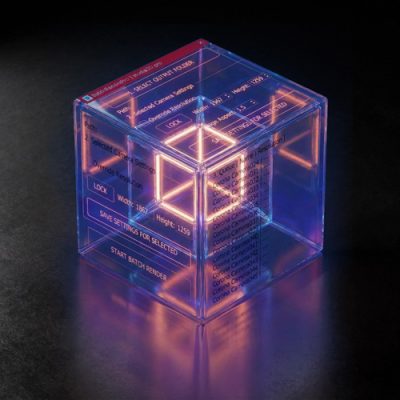
Batch Render Pro is a 3ds Max batch render plugin that queues every camera in your scene automatically. Set per-camera resolution and lens, control stop conditions by pass, time or noise, save CXR, EXR, PNG, JPG and more at once, preview framing before you commit, and get a Telegram message with a JPG as each frame lands. Built for Corona and other renderers by a 3D artist for 3D artists.
Relinker Pro is a 3ds Max asset relinker plugin that finds and reconnects every missing file in your scene in one pass. It scans for broken bitmaps, Corona and VRay maps, HDRIs, IES lights, proxies and XRefs, searches your folders in the priority order you set, fixes moved drives with a single remap rule, and shows a full dry-run preview before it changes a thing. Built for Corona and other renderers by a 3D artist for 3D artists.
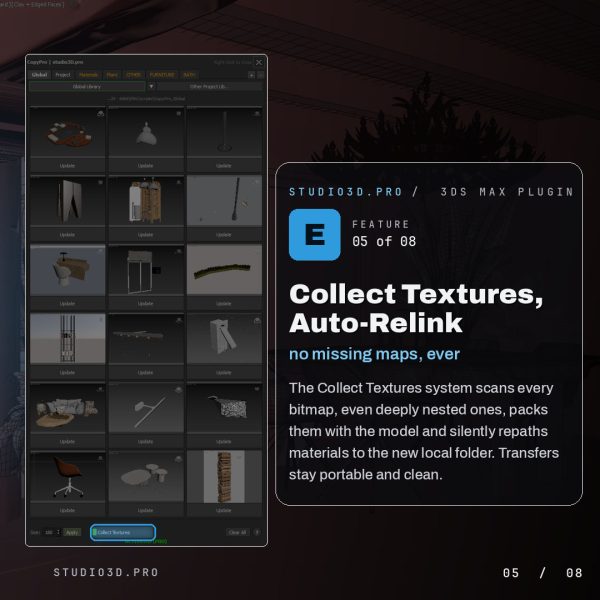
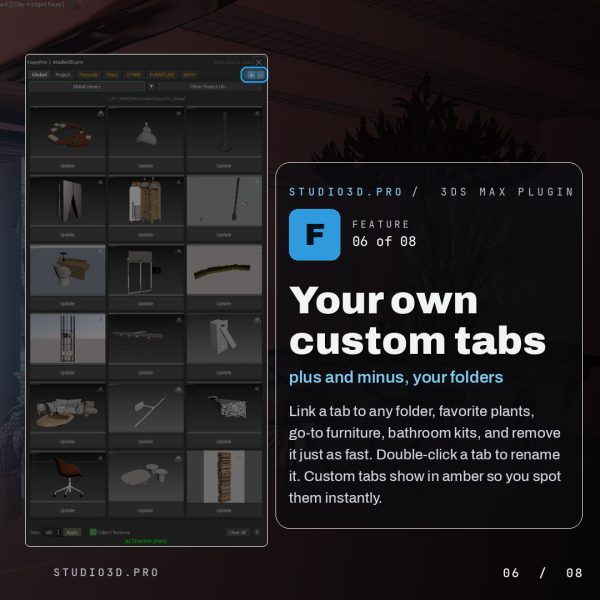
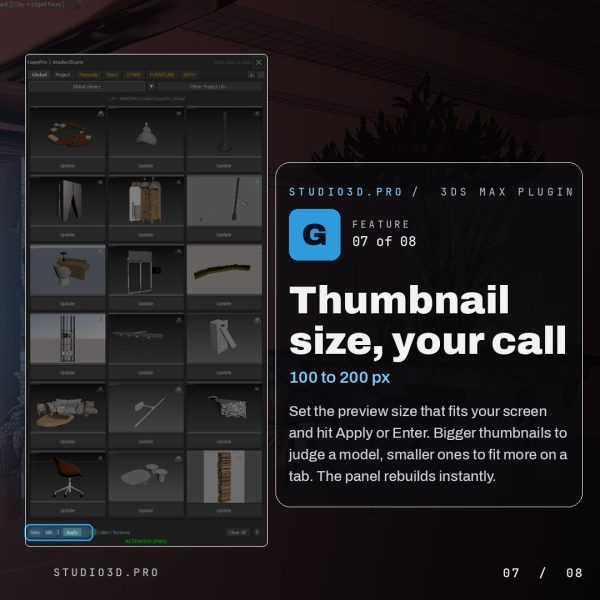
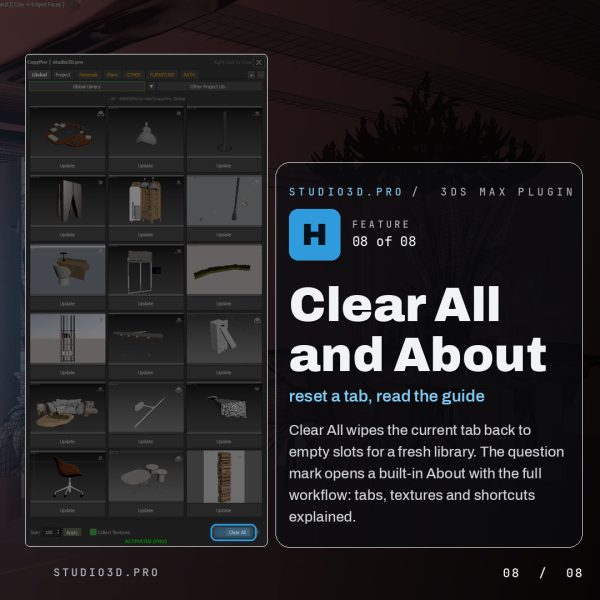
CopyPro is a 3ds Max copy/paste plugin and asset library plugin that copies models between open scenes and computers, textures and all. Store any selection as a thumbnail with its maps collected automatically, then left-click to merge it back into any scene, selected and ready. Organize a global clipboard, per-project libraries and your own custom tabs, pull assets from past projects, and keep every transfer portable with automatic texture relinking.
Above all, I am a photographer and graphic designer with a long track record in ArchViz. These plugins were not created in a boardroom; they were born from experience. They are the result of my frustration with repetitive manual tasks that took time away from the creative process and detailing.
Every tool here was originally written for my own needs – to save time and nerves on actual projects. With my background in teaching visualization, I understand the bottlenecks we face daily. Now, I am sharing these solutions with you, so you too can work smarter, not harder.